The stack I keep rebuilding
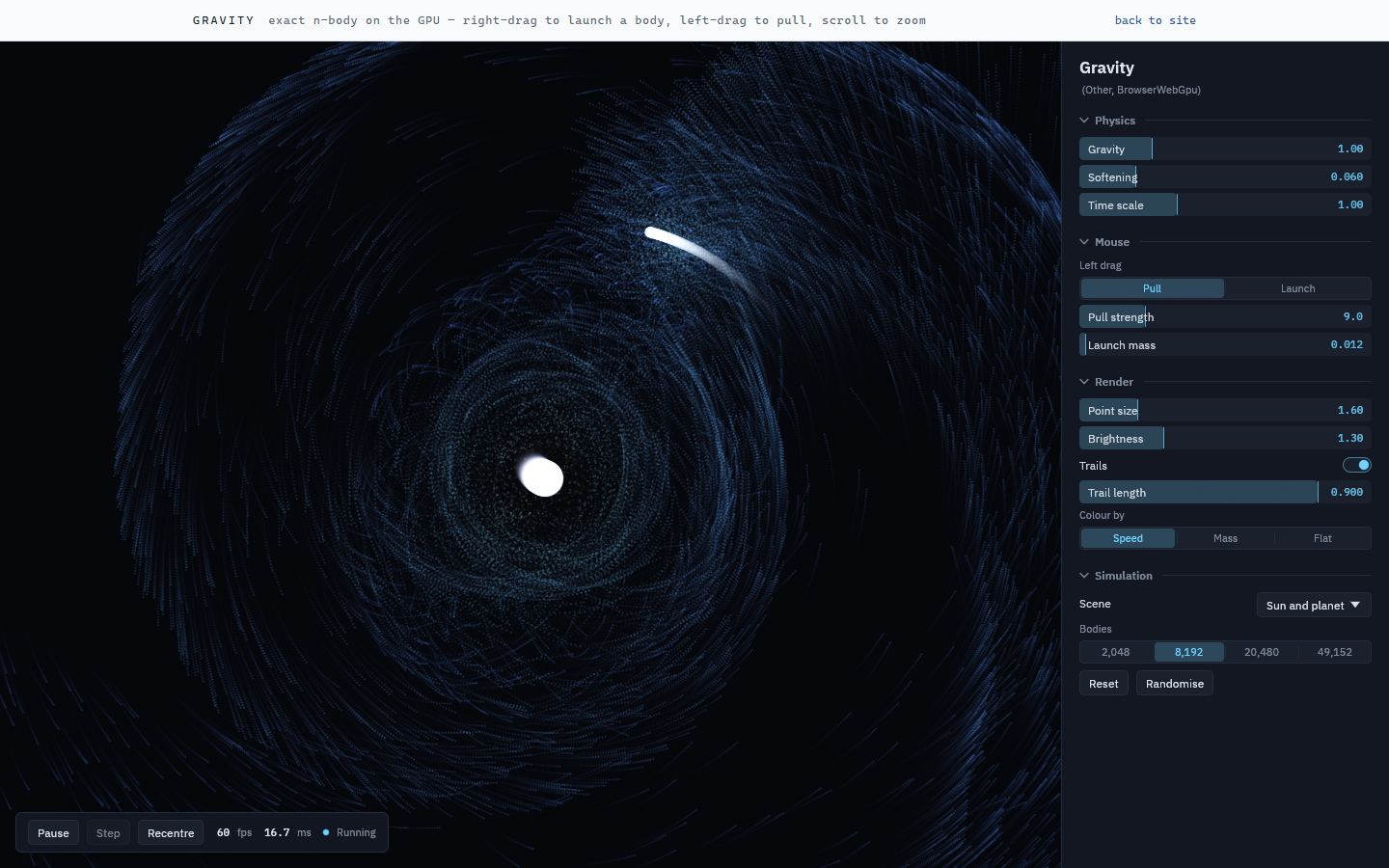
Fathom is a framework for an application stack I keep re-creating: a GPU simulation with a panel of controls beside it.
I prefer to do this stuff in Rust, with Vulkan or wgpu, so I can push my simulations to peak performance. Every time I've started in a more accessible stack, like Python or the web, I've been disappointed: I end up rebuilding it anyway to get the performance or scale I want.
But there's always a tension, because the second I want to share my work with someone, I wish I'd built it on the web.
One crate, two targets
Fathom solves this. With WebAssembly and wgpu, the same crate builds for desktop and for the web. Desktop in my experience is drastically faster, so I can develop at high particle counts and fast frame rates, and still put up a demo anyone can open.
Try the gravity sketch → (needs WebGPU: Chrome or Edge, or Safari 26.)
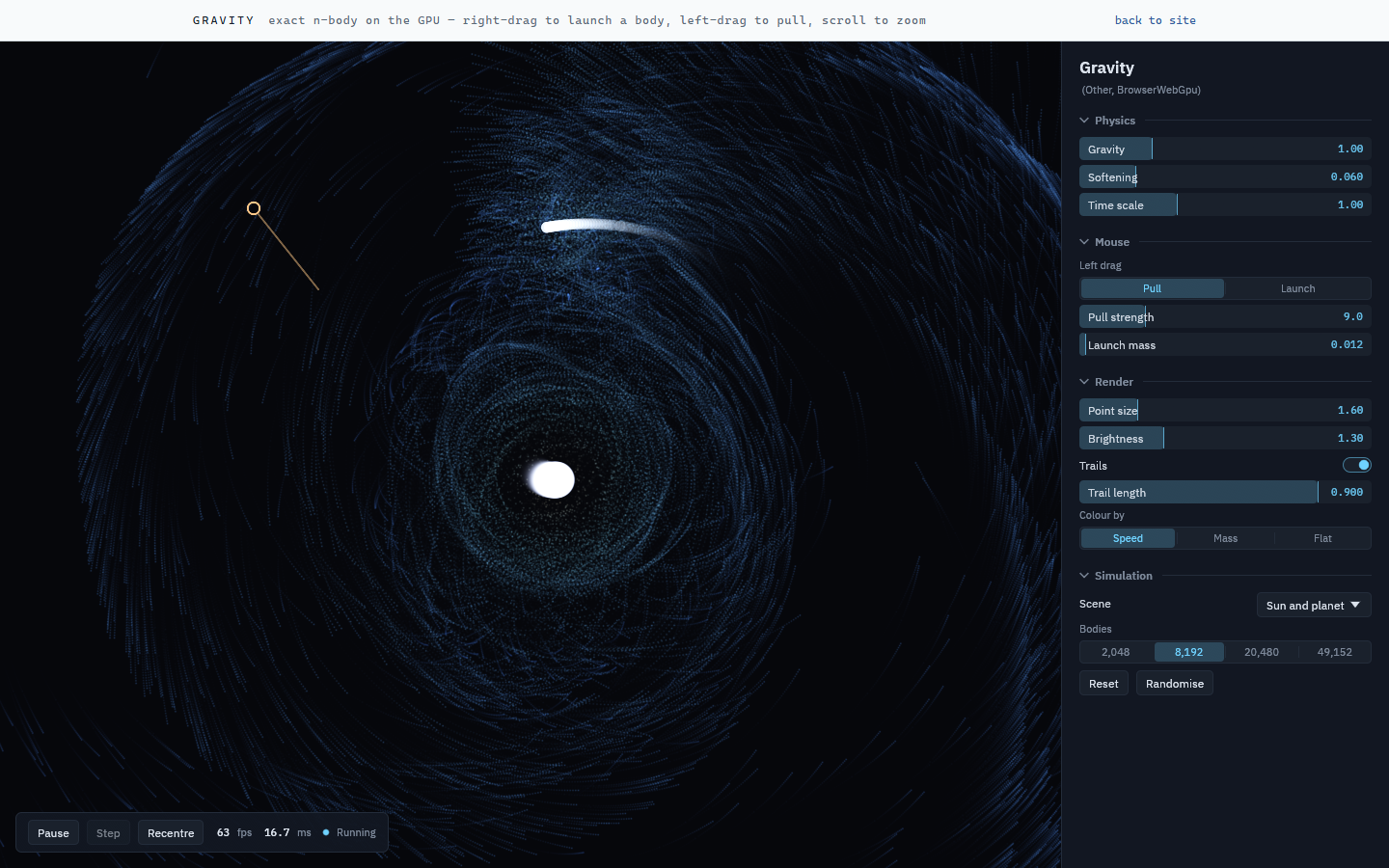
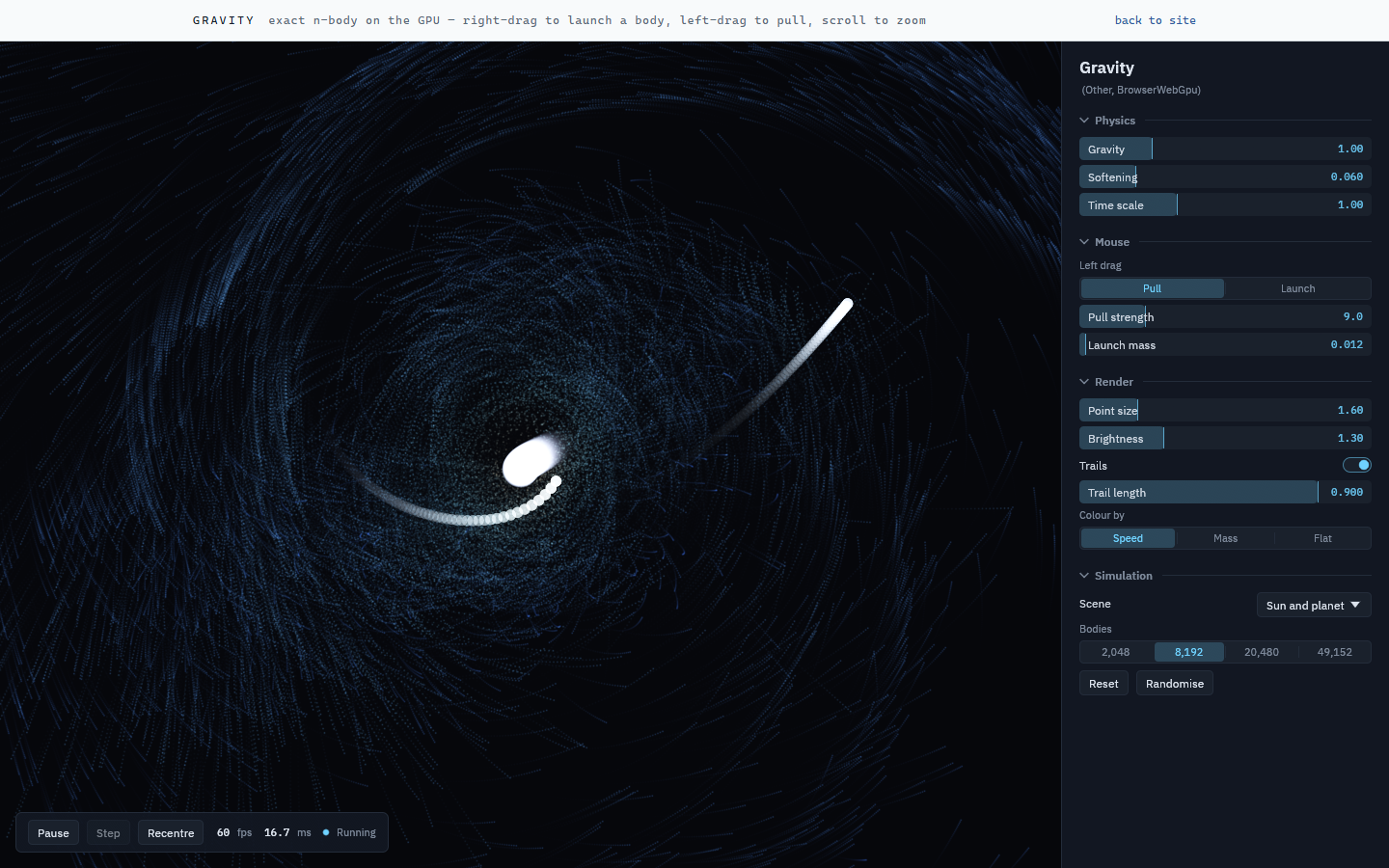
It uses egui, which is my favourite GUI platform for graphics applications. The one downside is that the web build doesn't get to use any of the easy-to-make web GUI elements: the whole interface is drawn into a canvas. But that's a small tradeoff for how much convenience you get in return.
Writing an app
Writing an app is one Rust crate implementing one trait: setup, update, draw, and whichever input callbacks you care about. Declare your parameters once and the panel builds itself:
fathom_core::params! {
    G      => ParamDef::float("g", "Gravity", 1.0, 0.0, 4.0).group("Physics"),
    TRAILS => ParamDef::toggle("trails", "Trails", true).group("Render"),
}
Try it out: clone the repo, point your favourite agent at it, and say "build me a boids simulation in fathom" or something.