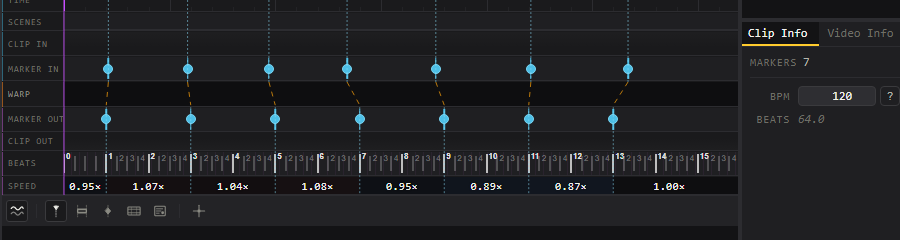
Lockstep is a desktop app that cuts video into clips and warps each one so that chosen moments land on chosen beats.
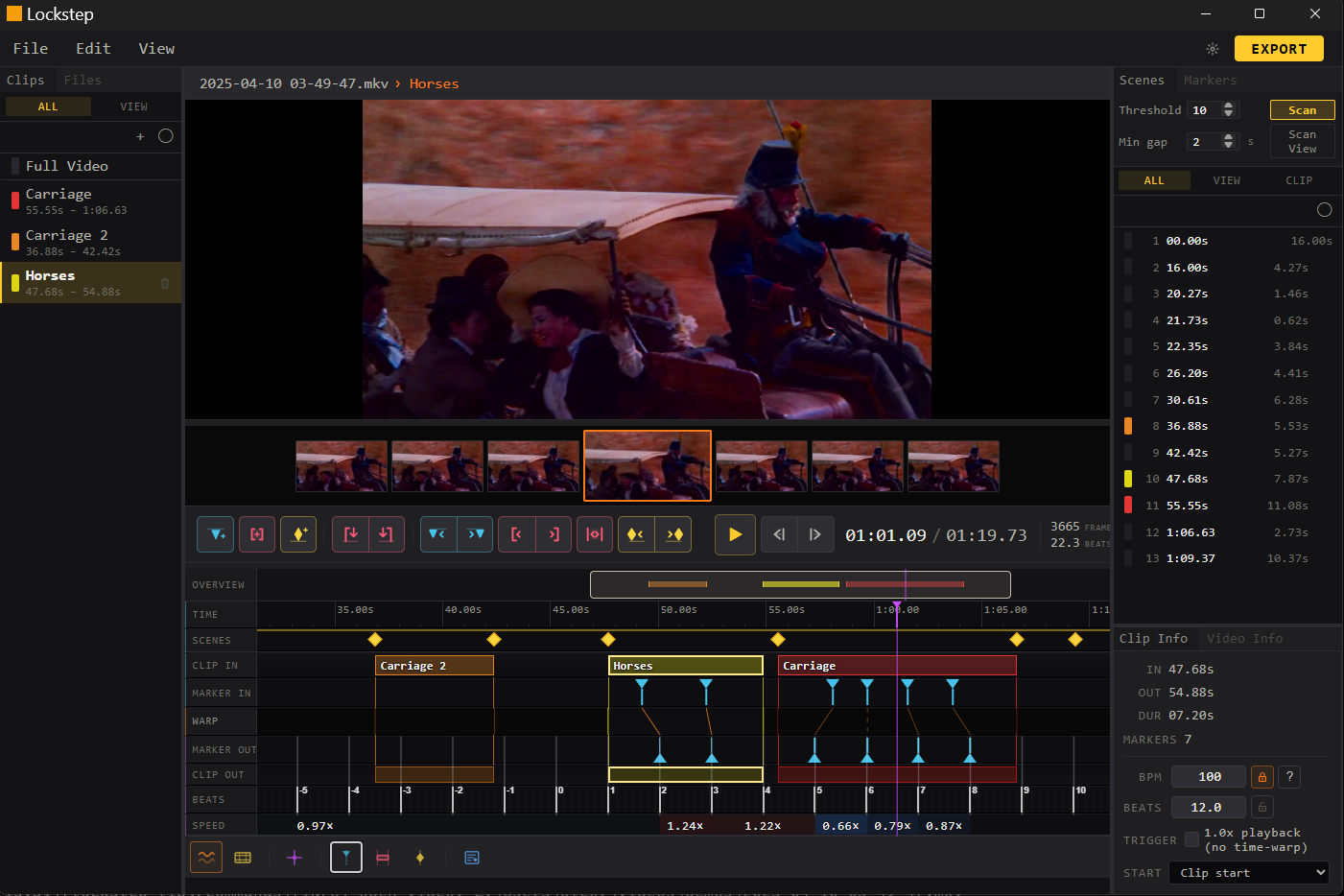
SPEED row shows what each segment was stretched by.For live music visual performances, I frequently take clips from movies, TV or other media, and string them together in a way that looks in-sync with the rhythm and beat. This usually takes meticulous clipping and stetching to make sure key moments land right on time. For example a clip of someone dancing looks best when the dancing is synchronized with the playing music, of course, but even videos of someone walking can be roughly tuned to look like they are walking in-time.
This is where my software Lockstep comes in. Lockstep is no too dissimilar from software like Lossless Cut, which is a swiss army knife for cutting up video, but Lockstep contains one key feature: BPM synchronization. By setting the BPM, you can make sure the exported clips are exactly 8 beats at 120 BPM for example, and that the first beat is lined up with the contents start point.
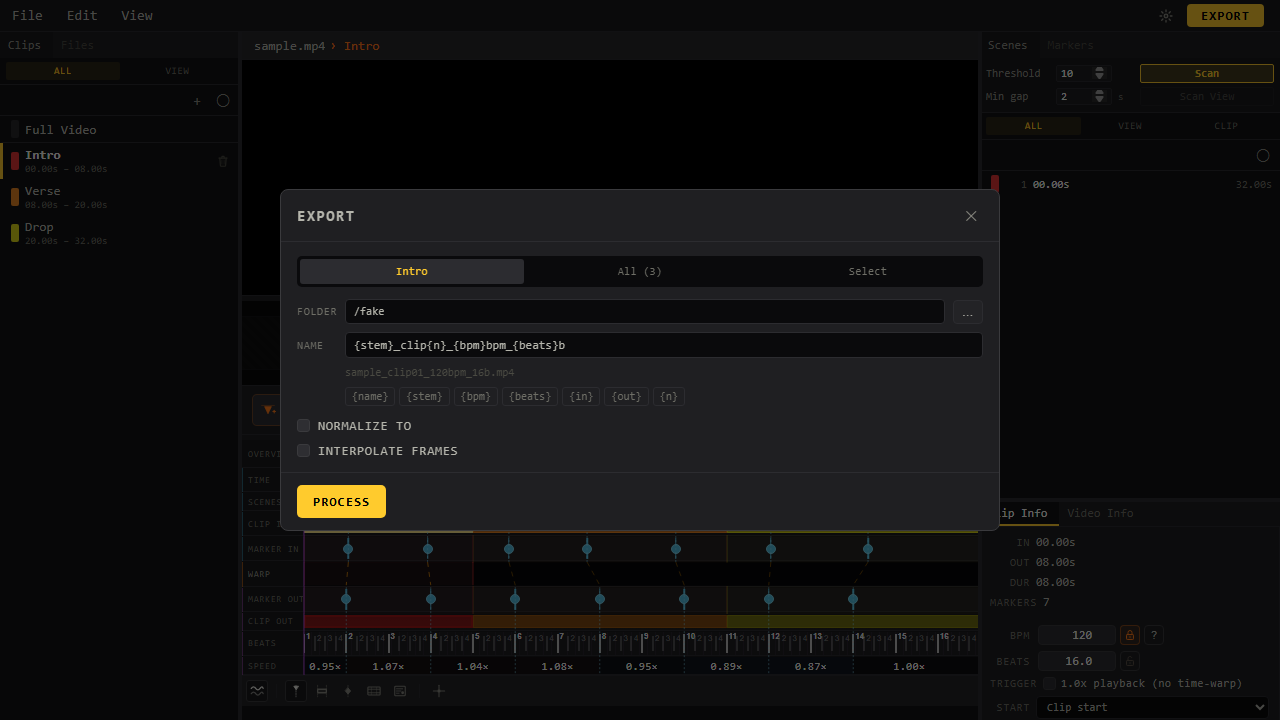
sample_clip01_120bpm_16b.mp4 drops into a set already labelled with its tempo and length.It goes further than that though and allows you to warp the video and quantize it to line up exactly on time. A good example of this is someone walking: has a rough BPM, but isn't explicitly synced up to a metronome. With Lockstep you can warp the video smoothly, making sure each step lines up on the beat.